How Photography Studios Can Manage Crew Without Last-Minute Confusion
Learn how photography studios can manage crew without last-minute confusion using clear roles, availability, assignments, and shoot responsibilities.

TL;DR
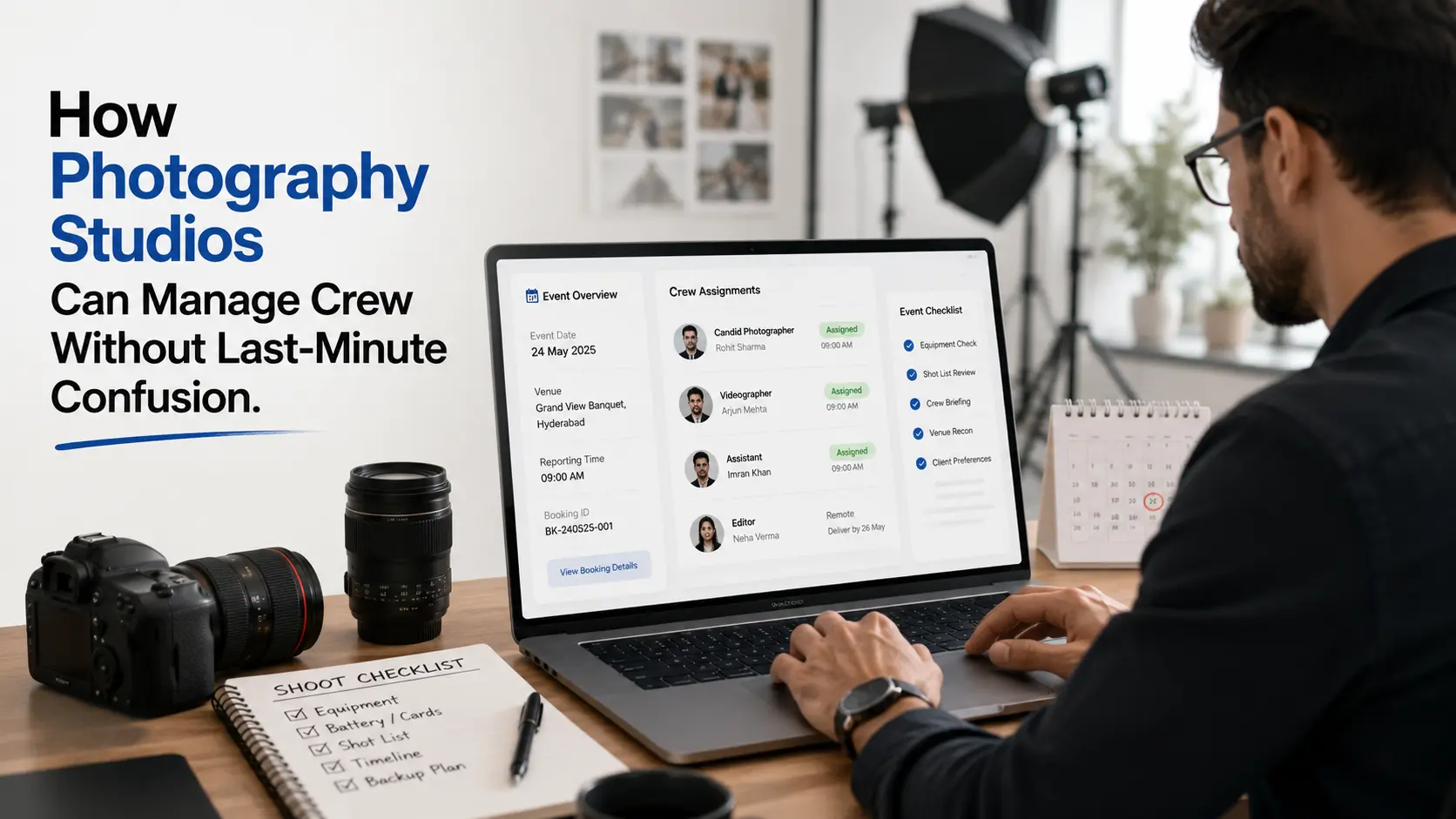
Photography studios can avoid crew confusion by confirming who is assigned, what role they handle, where they need to report, and what time they are expected before the shoot day.
Crew management for photography studios should connect bookings, roles, availability, communication, and responsibilities in one place.
The goal is simple: no missed calls, no double-booking, no unclear ownership, and no last-minute panic.
The Real Problem Is Not Crew Size
Many studios think crew confusion happens because the team is small or busy.
That is only partly true.
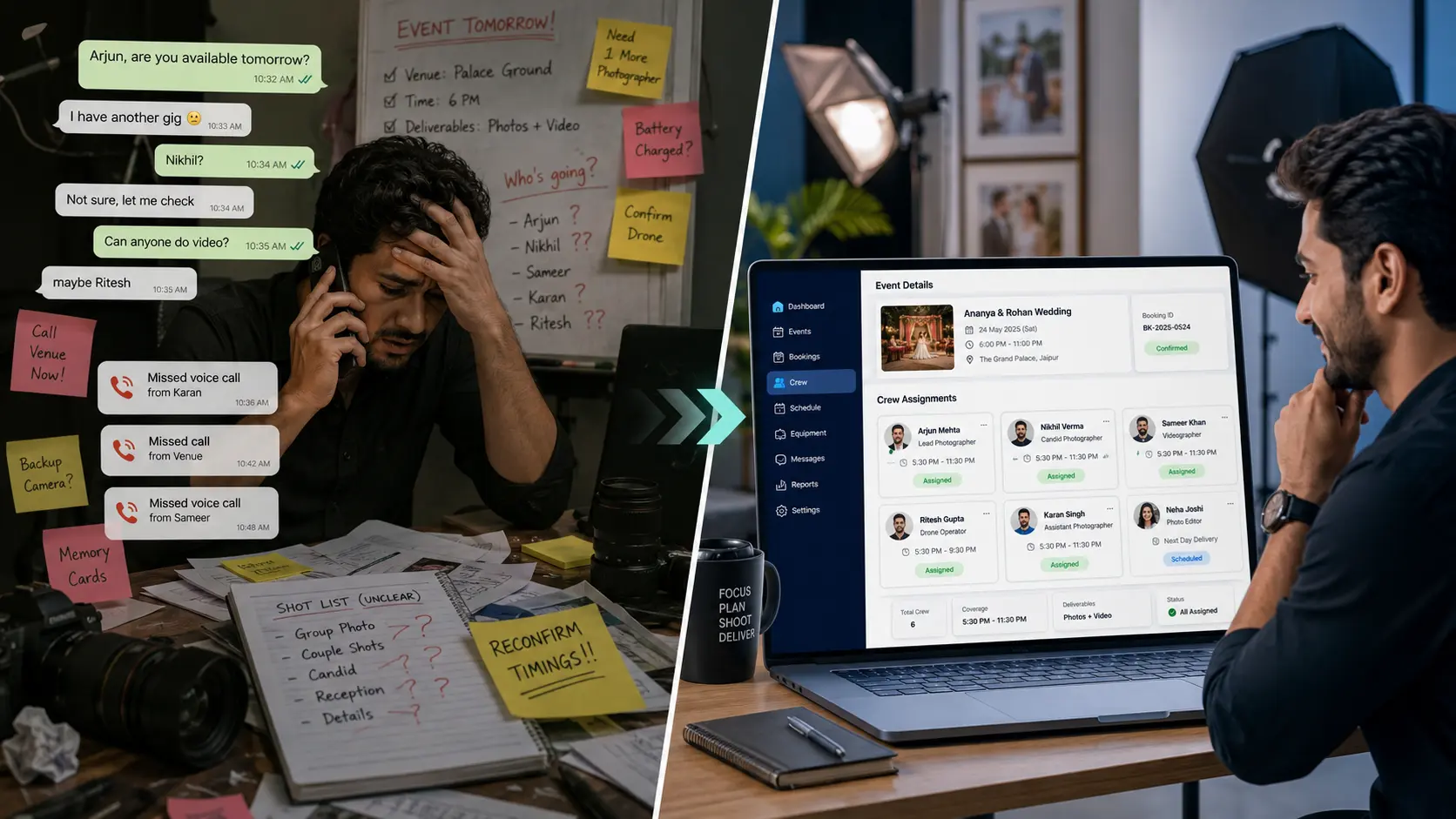
The bigger issue is that crew planning often happens across WhatsApp groups, phone calls, memory, and rough notes.
One photographer confirms on call.
One videographer replies late.
One editor does not know when files are coming.
One assistant is assigned but not informed properly.
One booking has a changed reporting time, but not everyone knows.
This is where photography crew management becomes important.
A studio may have talented people, but without a clear system, even a good team can look unorganised.
Confirm Roles Before Confirming the Team
For every shoot, the studio should clearly define roles.
Do not write only “team assigned.”
Mention:
- Candid photographer
- Traditional photographer
- Cinematographer
- Traditional videographer
- Drone operator
- Assistant
- Lighting assistant
- On-site editor
- Album designer or post-production owner
For wedding photography crew planning, this is especially important because different functions may need different coverage.
If one person is covering bride getting ready and another is covering groom entry, that should be clear before the shoot.
Role clarity prevents overlap and missed moments.
Check Availability Before Saying Yes
A common mistake studios make is accepting a booking first and checking crew availability later.
That creates pressure.
Before confirming the booking, check whether the required crew is actually available for the date, time, and location.
This matters more for:
- Multi-day weddings
- Destination shoots
- Back-to-back events
- Same-day edits
- Corporate events with strict timing
- Shoots needing specialist crew
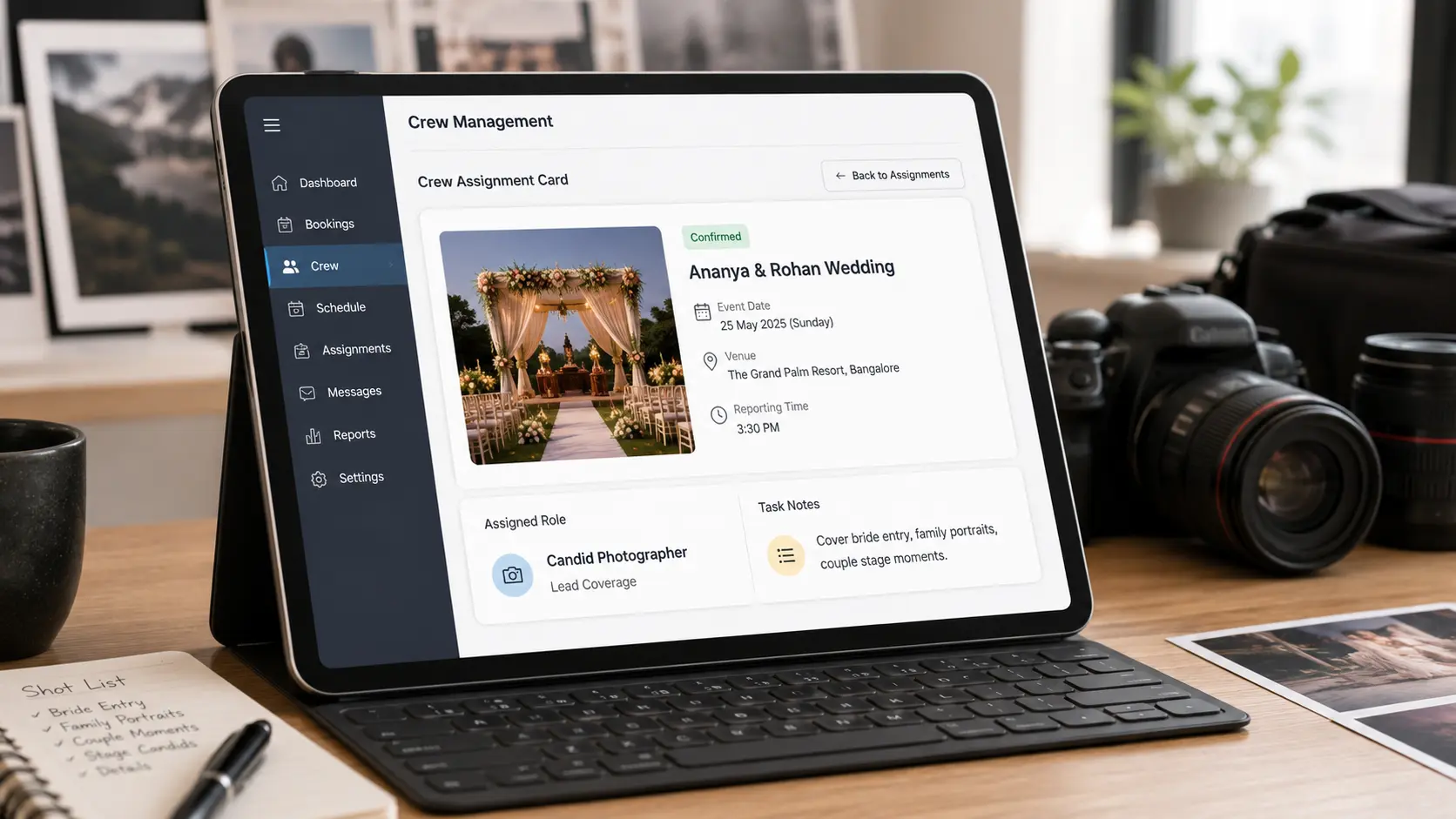
GoPickle positions crew and booking workflows together, with support for assigning work, tracking responsibilities, and keeping team coordination aligned from one place.
Share Reporting Time and Location Clearly
Crew confusion often happens because the team knows the date but not the exact plan.
For each assigned person, share:
- Event name
- Client name
- Venue
- Reporting time
- Function timing
- Contact person
- Dress code, if needed
- Equipment expectation
- Parking or entry instructions
- Travel and stay details
This may sound basic, but it prevents many event-day calls.
For larger studios, shoot crew scheduling should be treated like an operational checklist, not a casual message.
Keep Client Promises Connected to Crew Planning
Crew planning should match what was promised in the quotation and booking.
If the quotation says two photographers and one cinematographer, the booking should reflect the same team requirement.
If the client paid for drone coverage, the drone operator should be assigned.
If the client booked same-day edits, the editor should be planned early.
This is where photography booking management and crew management should work together.
When these details are separate, mistakes happen.
The client expects one thing. The team prepares for another.
What Most Studios Get Wrong
Most crew problems come from simple gaps:
- Assigning people verbally
- Not checking availability properly
- Not confirming reporting time
- Not sharing location details
- Not linking crew with booking promises
- Not assigning backup options
- Not recording who accepted the assignment
- Not updating the team when client plans change
The better approach is to treat crew assignment as part of the booking workflow.
Once the booking is confirmed, the crew plan should also become visible.
Where GoPickle Helps
GoPickle.ai helps photographers manage crew as part of the larger studio workflow.
Studios can use GoPickle to manage bookings, team members, roles, responsibilities, quotations, invoices, albums, and follow-ups in one place. The platform describes itself as an all-in-one business hub for photographers, including bookings, billing, albums, and team coordination.
For crew management, the value is practical.
A studio can plan who is handling which shoot, avoid unclear ownership, keep assignments connected with booking details, and reduce last-minute confusion.
Final Takeaway
Crew confusion can make even a good photography studio look unprepared.
The fix is not only hiring more people. The fix is better coordination.
Confirm roles. Check availability. Share timing. Connect crew with booking promises. Keep updates visible.
A clear crew management workflow helps photographers, videographers, editors, assistants, and studio managers work with less stress.
If your studio wants to manage crew, bookings, client details, invoices, albums, and follow-ups in one place, GoPickle can help create a cleaner workflow from enquiry to delivery.