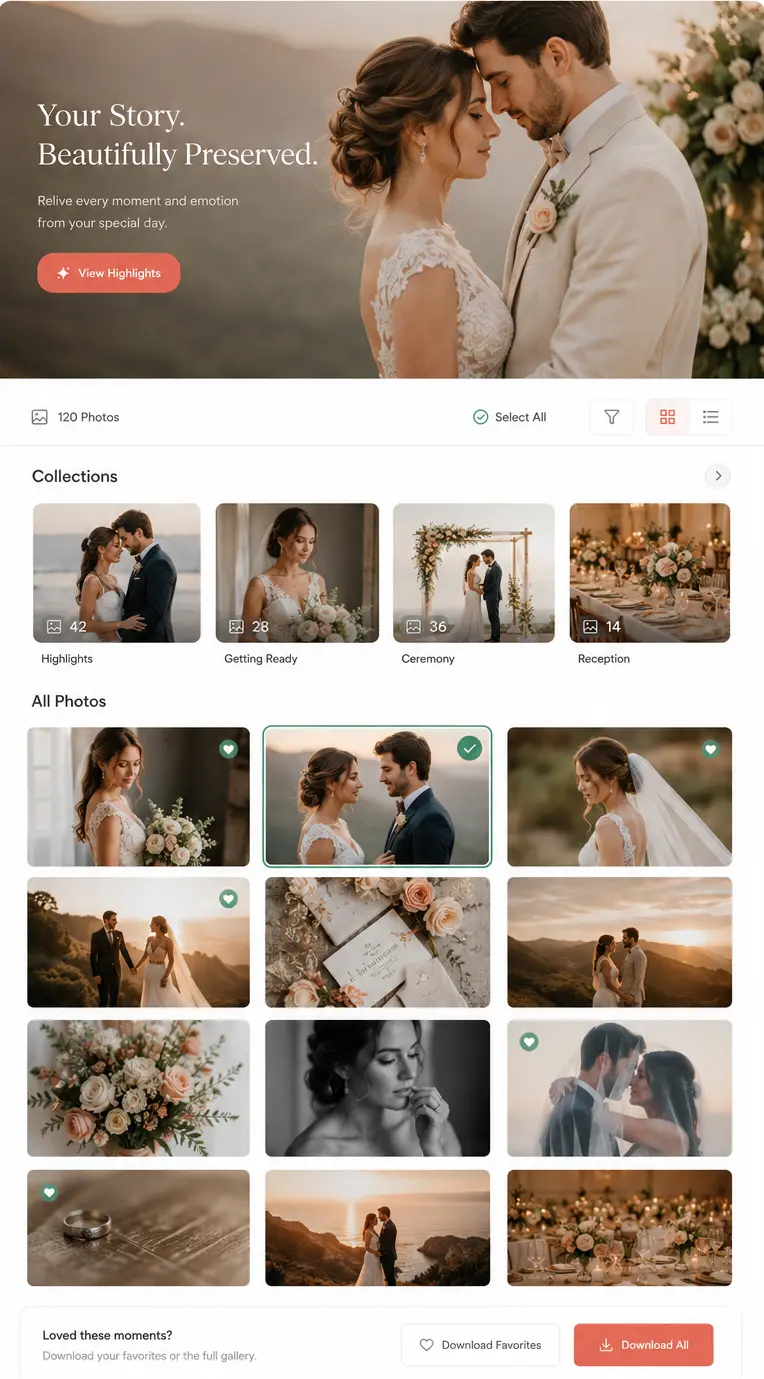
Deliver final photographs professionally
Photography Software Comparisons
Compare Photography Software for Your Studio
Compare client delivery, bookings, CRM, payments, crew management and AI guest photo sharing, not only isolated feature counts.
Researched from current public product information · Competitor strengths included · Pages reviewed regularly

Compare Deeper Than Checklists
Most Tools Look Similar Until You Compare the Complete Workflow
Pricing tables rarely answer the real studio questions: does the gallery connect to the booking, can one wedding contain several events, does a quote become an invoice, and will you still need three other subscriptions?
Surface comparison
Price Storage Checklist Plan nameWorkflow comparison
Client experience Team handoffs Geographical fit Total stack Switching effort Best-fit studioGuided Comparison Selector
What Are You Trying to Explore?
Replace chats, calendars and generic CRMs
Manage Leads, Bookings and the Studio
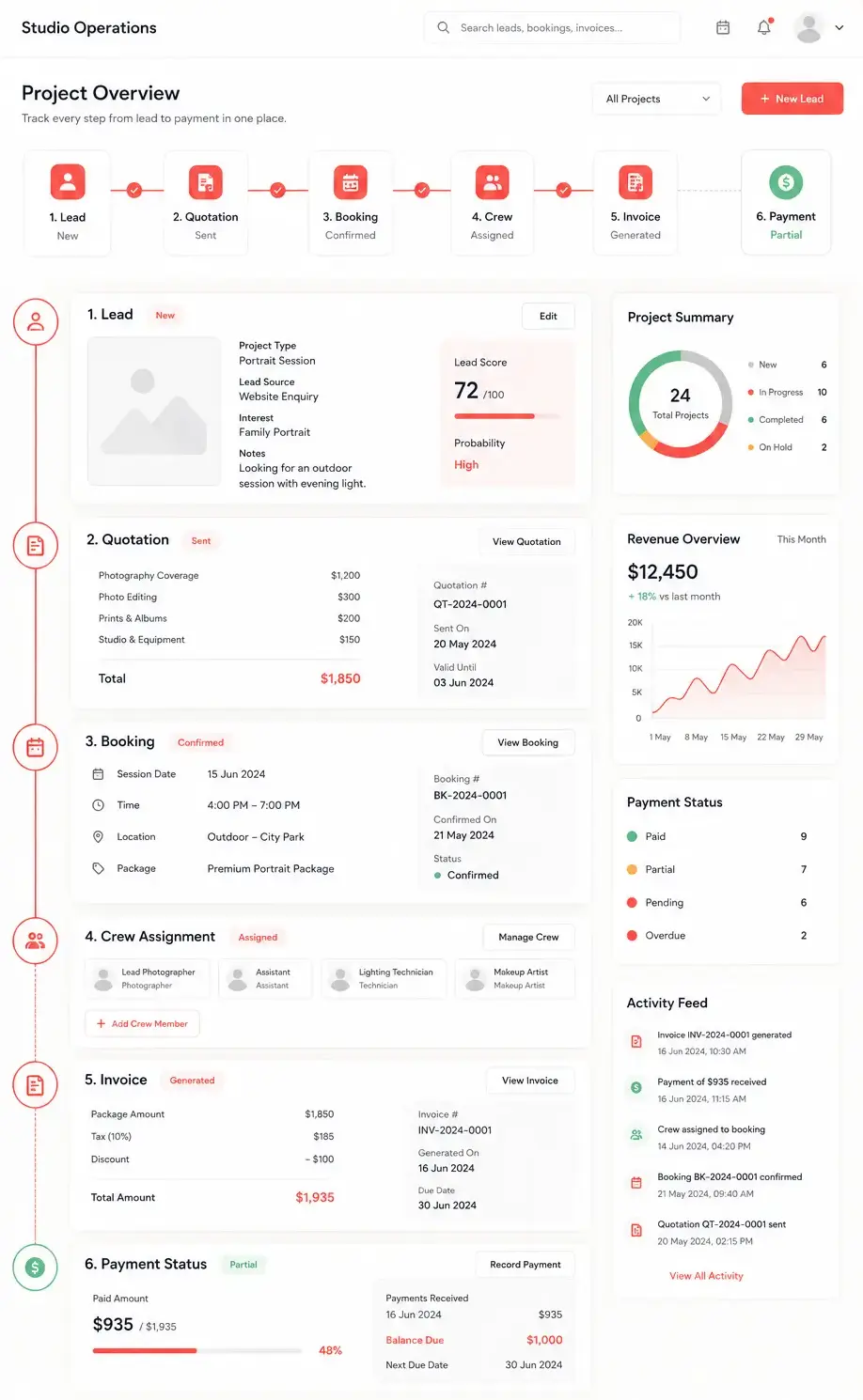
Compare lead capture, quotations, multi-event bookings, crew, invoices, payments, team roles and gallery delivery.Help event guests find their own photographs
Deliver Event Photos With AI
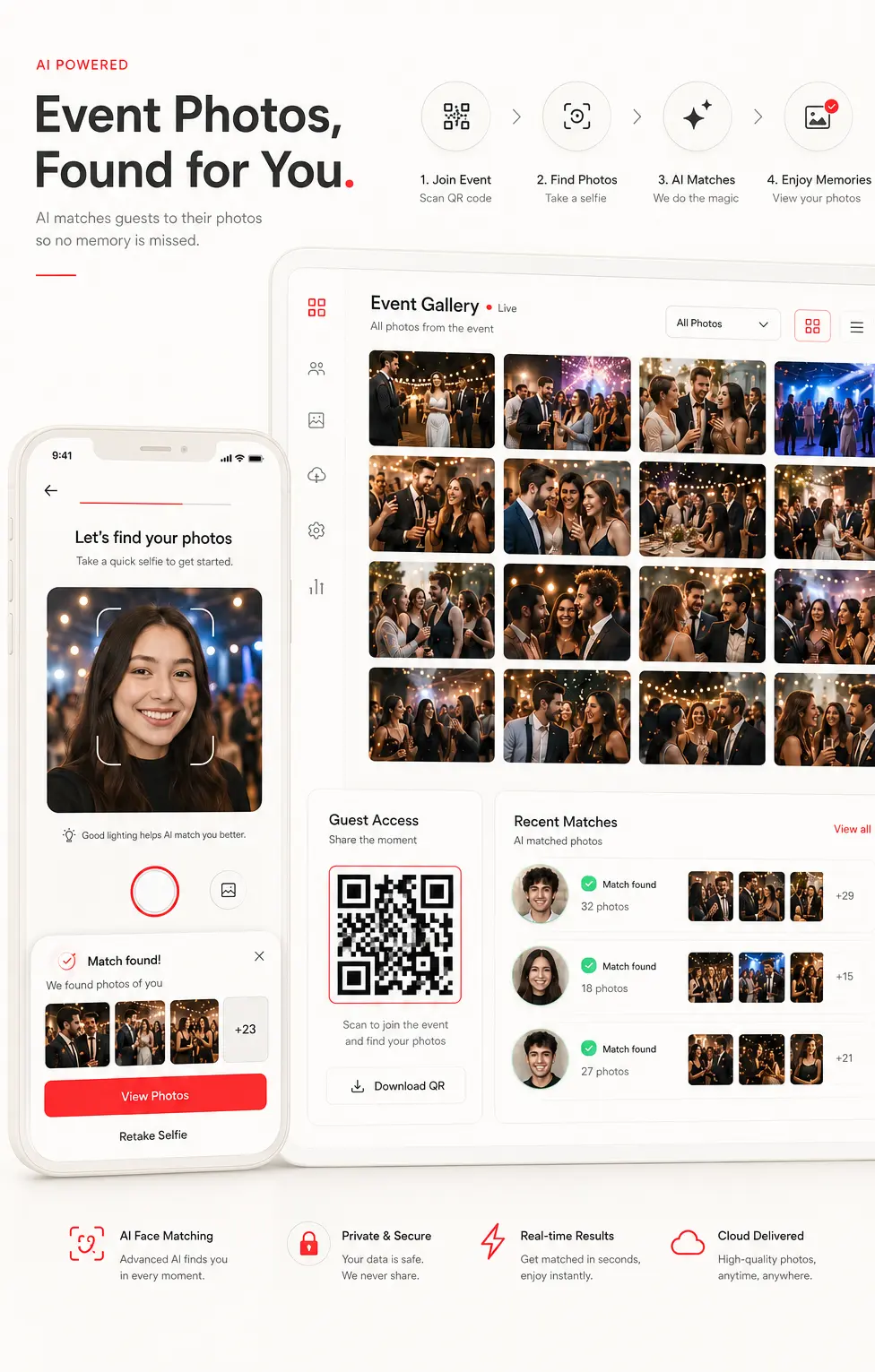
Compare selfie-based matching, QR access, guest privacy, branding, uploads, engagement, pricing and photographer workflow.Fair Comparison
Are You Comparing Platforms, or Replacing a Workaround?
A storage tool, calendar or chat app can be excellent at its original job. The right question is whether it can carry the whole photography workflow without manual handoffs.
Photography platforms
Pixieset · CloudSpot · ShootProof · Studio Ninja · Pic-Time
Compare native workflows, integrations, geography, pricing and product depth.Adapted tools
Google Drive · Google Calendar · WhatsApp · Spreadsheets · Zoho CRM · HubSpot
Compare the complete operating process, not whether the tool is good or bad.One Photography Business Workflow
Compare the Number of Handoffs, Not Only the Number of Features
Fragmented stack
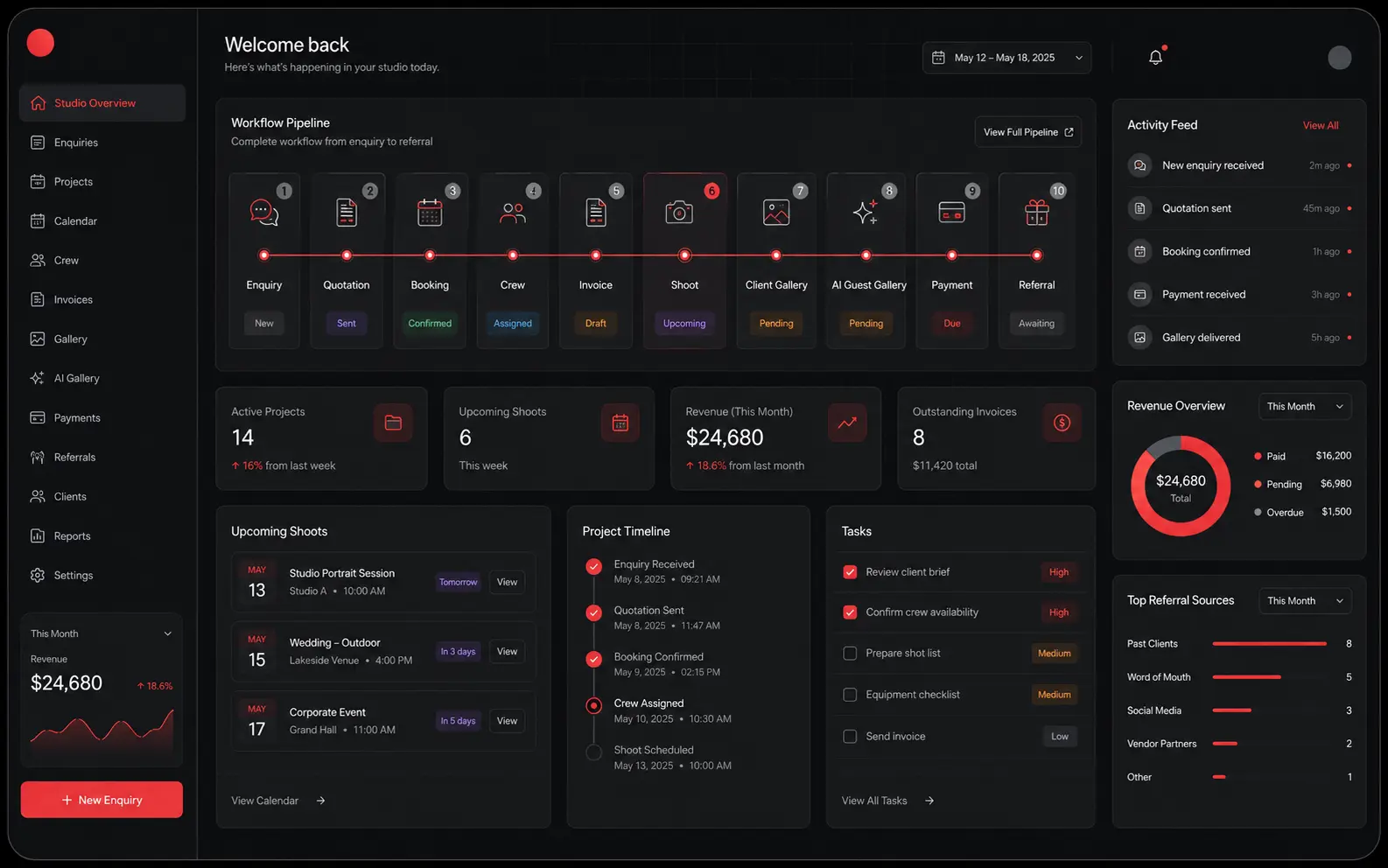
GoPickle workflow
Evaluation Framework
How We Evaluate Photography Software
No artificial scores. No oversized tick-and-cross tables. Each comparison should explain purpose, workflow coverage, client experience, team fit, geography, pricing and switching effort.
Launch Comparisons
Start With the Comparison Closest to Your Current Workflow
GoPickle vs Google Drive
Storage folder or professional client delivery?
GoPickle vs Pixieset
Which combined gallery and studio platform fits your workflow?
GoPickle vs CloudSpot
Which all-in-one photography platform fits your operating model?
GoPickle vs WhatsApp
Conversation tool or dependable photography business record?
GoPickle vs Studio Ninja
Which photography CRM fits studio operations and delivery needs?
GoPickle vs KwikPic
Which AI event photo-sharing workflow fits photographers and guests?
Choose by Studio Type
The Right Choice Depends on the Studio You Are Building
Solo photographer
Easy setup, mobile access, client professionalism and fewer applications.
Wedding studio
Multi-event bookings, crew, album selection, advances, balances and guest galleries.
Event photography team
Rapid upload, guest discovery, permissions, branded delivery and event pricing.
Corporate or commercial studio
Company contacts, tax documents, controlled downloads, approvals and data handling.
Switching without disruption
You Do Not Need to Move Everything on Day One
- Choose one upcoming client or event.
- Recreate only the active requirement.
- Test quotation, booking or gallery delivery.
- Compare the client and team experience.
- Move future work first.
Fair, current and verifiable
Every Comparison Should Show How It Was Researched
We compare products using current public product pages, pricing pages and help documentation. Features, prices and availability can change. Every competitor page should include a review date and source methodology. Read the Comparison MethodologyComparison FAQ
Learn What to Compare Before Choosing Software
The comparison hub helps photographers compare software by workflow: client delivery, CRM, bookings, payments, crew, AI guest photo sharing and connected studio operations. It is designed to help you choose, not simply count features.
Compare, then test
Compare the Workflow. Then Test It With a Real Booking or Gallery.
Use GoPickle with one upcoming client, event or gallery. See whether the connected workflow saves effort and gives your clients a more professional experience before changing the rest of your studio process.
No credit card required · Mobile and desktop · Built for photographers