How Schools and Colleges Should Receive Event Photos Safely
A practical guide to secure school and college event photo delivery using admin approval, controlled downloads and optional face matching.

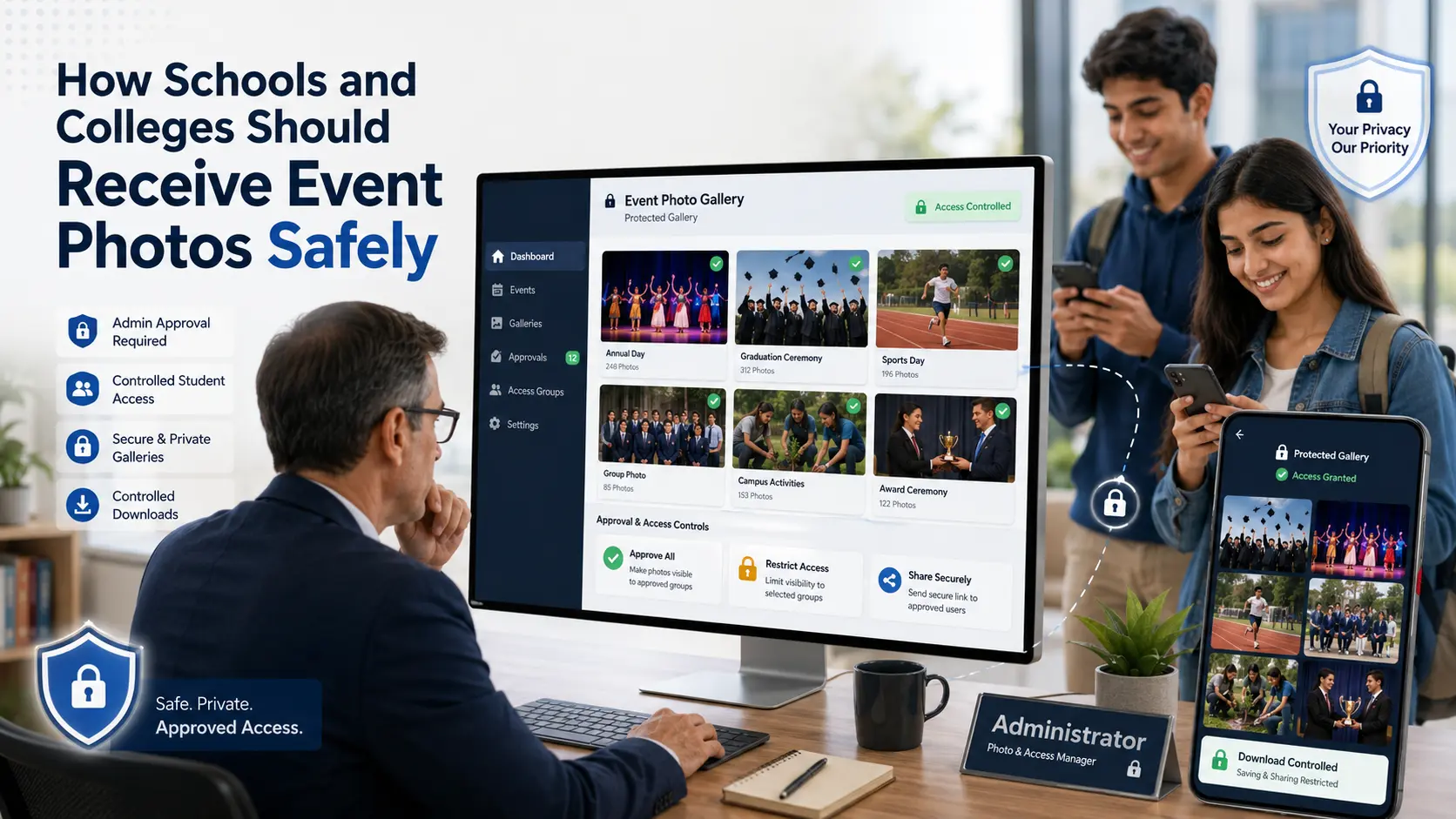
A school annual day, graduation, sports meet or college festival may produce thousands of photographs containing students, teachers, parents and visitors.
Sending those images through a public Drive folder or an unrestricted WhatsApp group may be convenient, but it gives the institution very little control over who can view, download or redistribute the photographs.
A safer school event photo delivery process should answer five questions:
Who can enter the gallery? Who approves the images? Which photographs can each person access? Can downloads be restricted? How will facial matching be handled?
Start With Administrator Approval
The photographer should not send the complete gallery directly to students or parents before an authorised school or college representative reviews it.
The institution should nominate one approval contact, such as the event coordinator, principal’s office, communications team or student affairs department.
That person can review:
- Images containing sensitive situations
- Photographs of students who should not be published
- ID cards, name badges or private information visible in the frame
- Restricted campus areas
- Images intended only for internal use
- Photographs approved for public communication
The photographer should receive one consolidated approval list instead of separate instructions from teachers, parents and departments.
Avoid One Public Link for Everyone
A single open gallery link may be forwarded beyond the intended audience.
A better setup uses controlled access through a password, PIN, registered email, phone number or institution-approved login process. Download permissions can also be restricted according to the purpose of the gallery.
GoPickle Client Galleries support protected album access and controlled downloads, allowing photographers to avoid unrestricted public delivery.
Schools and colleges can choose between:
- View-only access for students and parents
- Download access for approved participants
- Full-resolution access for the institution’s media team
- Separate internal and public galleries
- Time-limited gallery availability
The complete high-resolution archive should normally remain with the authorised institution contact rather than every gallery visitor.
Organise Photos Before Sharing
A gallery containing thousands of mixed images is difficult to review and increases the chance of inappropriate sharing.
Create separate sections such as:
- Stage performances
- Award presentations
- Sports activities
- Faculty and staff
- Student groups
- Campus and event branding
- Media-approved photographs
- Internal-use photographs
This structure helps administrators approve content and lets viewers find relevant images without downloading the entire event.
Use Face Matching as Optional Discovery
AI face matching can help students or guests find photographs in which they appear without scrolling through the complete gallery.
GoPickle AI Guest Galleries allow a user to open a gallery, upload a selfie and discover matching event photographs.
For educational institutions, this should be handled more carefully than face matching at a private adult event.
Facial characteristics can be treated as biometric information when they are processed for automated recognition. Official education and privacy guidance therefore treats student facial data as sensitive and recommends clear safeguards, transparency and oversight.
A responsible workflow should include:
- Institution approval before enabling face matching
- Clear information about why the selfie is required
- Voluntary participation
- An alternative way to access approved photos
- Limited use of the selfie for photo matching
- Clear deletion and gallery-expiry rules
- Parent or guardian handling where required for minors
- No use of student details for promotions unless separately and lawfully authorised
The applicable requirements depend on the country, student age and institution policy. The school or college should confirm its own legal and consent obligations before enabling biometric photo discovery.
Separate Student Access From Public Promotion
The institution may want selected photographs for its website, annual report or social media. That does not mean the entire student gallery should be publicly accessible.
Use two separate collections:
Private participant gallery
For approved students, parents, teachers and event attendees.
Public media gallery
A smaller set approved for the institution’s website, press releases and social channels.
This separation reduces accidental publication and gives the communications team a controlled set of images to use.
Close the Gallery Properly
Before the project is marked complete, confirm that:
- The administrator approved the final images
- Restricted photographs were removed or separated
- Access permissions were tested
- Download rights match the institution’s instructions
- Face matching was enabled only under the approved policy
- The institution received its full archive
- Gallery expiry and deletion dates were communicated
- The final invoice and usage terms were completed
School and college event photo delivery should not depend on an open folder that remains online indefinitely.
A controlled gallery gives the institution oversight, gives students a clearer access process and helps the photographer deliver the event professionally without losing control of sensitive images.
GoPickle can support this workflow through protected Client Galleries, controlled downloads and optional AI Guest Gallery discovery, while the institution remains responsible for approvals, access policy and consent decisions.