Meta Ads Leads for Photographers: How to Handle Them After They Arrive
Learn how photographers should respond, qualify and follow up with Meta Ads leads using budget, event date and requirement details.

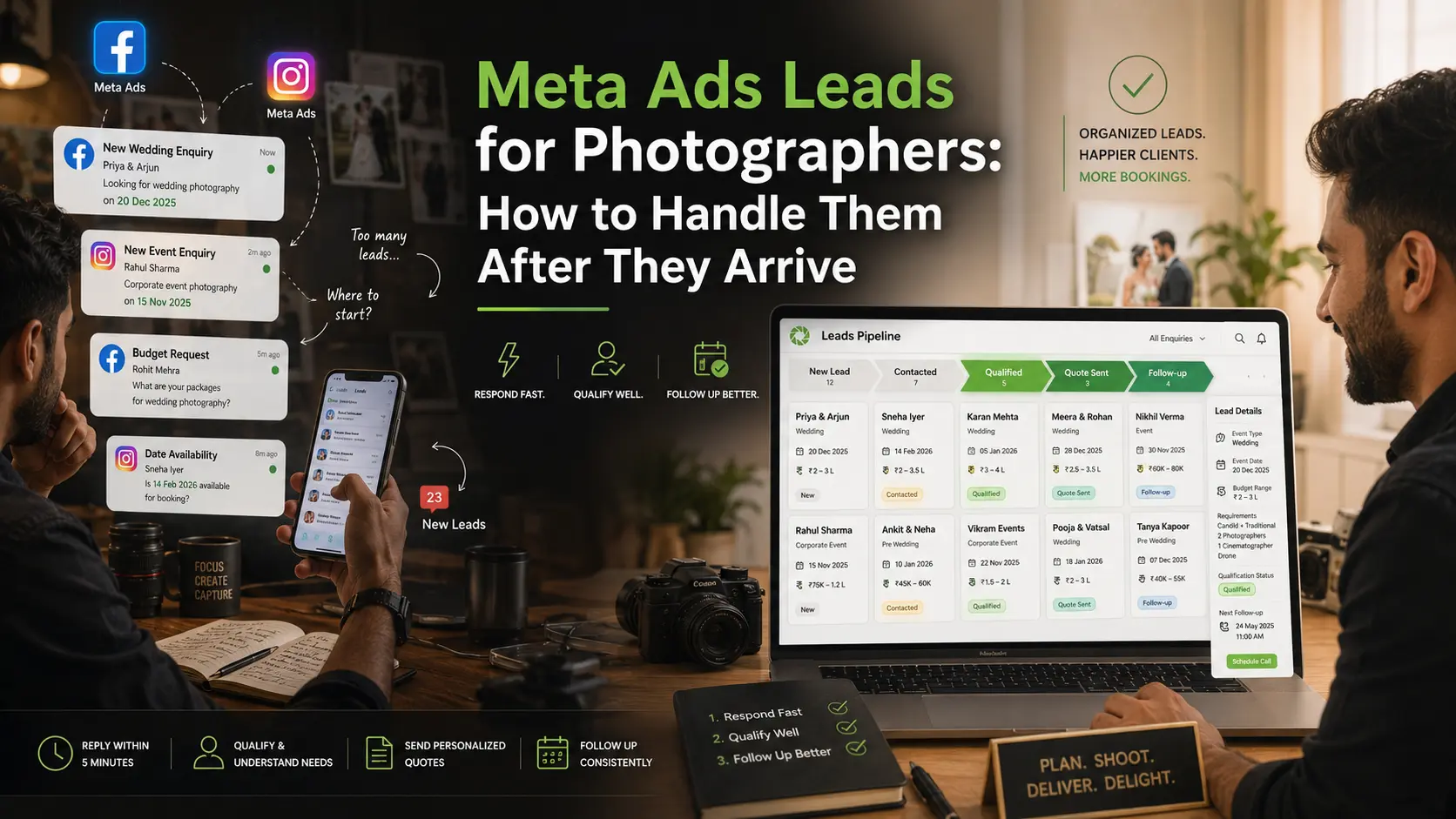
A Meta Ads campaign can bring photography enquiries from Facebook and Instagram, but receiving a name and phone number is only the beginning.
Meta lead forms are designed to make it easy for people to submit information, often through a quick mobile-first form. They can also include questions that help businesses qualify the enquiry.
Because submitting the form is easy, some leads will be ready to book while others may only be checking prices. The photographer’s job is to respond quickly, understand the requirement and decide what should happen next.
Here's our take on Which Lead Sources Work Best for Photography Studios?
Respond While the Enquiry Is Fresh
Do not leave Meta Ads leads inside Ads Manager, a spreadsheet or an unread WhatsApp chat.
Send a short acknowledgement as soon as the lead reaches your studio:
Hi Riya, thank you for enquiring about photography for your event. I’m from Studio Name. Could you share the event date, location and type of coverage you need? I’ll suggest the most relevant option.
This message confirms that the enquiry was received and gives the person an easy next step.
Avoid beginning with a long package PDF or a generic rate card. First confirm whether the studio is available and what the client actually needs.
Your response determines whether or not you get the shoot. Read out take on How Photographers Can Stop Losing Leads After the First Enquiry.
Collect the Details That Affect the Quote
Every Meta Ads lead should be qualified using a consistent set of questions.
Start with five details:
Event type: Wedding, engagement, birthday, maternity, corporate event or another requirement.
Event date: The date immediately tells you whether the enquiry can proceed.
Location: Venue and travel requirements may affect availability, crew planning and cost.
Coverage required: Photography, cinematography, albums, reels, multiple events or specific deliverables.
Budget range: This helps you recommend an appropriate package instead of sending every option.
You may also need guest count, event timings, number of functions and expected delivery, but do not turn the first conversation into a twenty-question form.
Collect enough information to decide whether the lead is relevant and what should be shared next.
Ask About Budget Without Making It Uncomfortable
A direct “What is your budget?” can sound abrupt when no value has been explained.
Use a softer question:
Do you have an approximate budget range in mind? It will help me suggest a package that fits your event instead of sending options that may not be relevant.
When the person does not know their budget, explain your starting range or ask what coverage matters most.
Budget is a qualification field, not a reason to dismiss every lower-value enquiry immediately. A client may reduce coverage, remove an album or choose a smaller crew once the options are explained.
Do Not Treat Every Lead the Same
After the first conversation, place the enquiry into a clear next stage.
A practical flow is:
New enquiry → Contacted → Requirement collected → Package shared → Call scheduled → Quote sent → Follow-up → Booked or lost
Each stage should have a next action.
“Package shared” is not a completed task. Record when you will follow up. “Call scheduled” should include the date and time. A lost enquiry should include a reason such as unavailable date, budget mismatch, no response or competitor selected.
This makes it easier to understand whether Meta Ads are bringing useful enquiries or only form submissions.
Share the Right Package, Not Every Package
Once the requirement is clear, send the package closest to the client’s event and budget.
For example, a one-day engagement enquiry does not need the complete destination-wedding brochure. A client asking for candid photography and reels should not receive a quotation built around traditional coverage and albums.
A relevant package makes the studio appear attentive. It also gives the lead fewer unnecessary options to compare.
When the client shows serious interest, move from a generic package to a personalised quotation. The quotation should reflect the confirmed event, services, deliverables, payment stages and terms.
Track What Happens After the Lead Arrives
Cost per lead does not tell you whether a Meta Ads campaign is profitable.
Track:
- Leads received
- Leads successfully contacted
- Qualified enquiries
- Packages or quotations shared
- Calls scheduled
- Bookings confirmed
- Lost reasons
- Revenue from confirmed bookings
Meta also supports CRM lead retrieval, which can send lead information into a connected CRM instead of requiring manual downloads.
Even without an automatic integration, every lead should enter one system where the studio can record the requirement, status, owner and next follow-up.
Where GoPickle Helps
GoPickle.ai helps photography studios keep enquiries, leads, quotations, bookings, invoices and galleries connected instead of handling each stage in a different chat or spreadsheet.
When a Meta Ads lead arrives, record the source, event requirement, date, budget range and next action. If the person replies later, the studio can continue from the same context instead of asking for all the details again.
Meta Ads can create the enquiry. A clear response and follow-up process determines whether that enquiry becomes a booking.