What Makes a Client Gallery Easy for Non-Technical Clients?
Learn how photographers can make client galleries easier with clear buttons, mobile access, simple downloads and understandable password instructions.

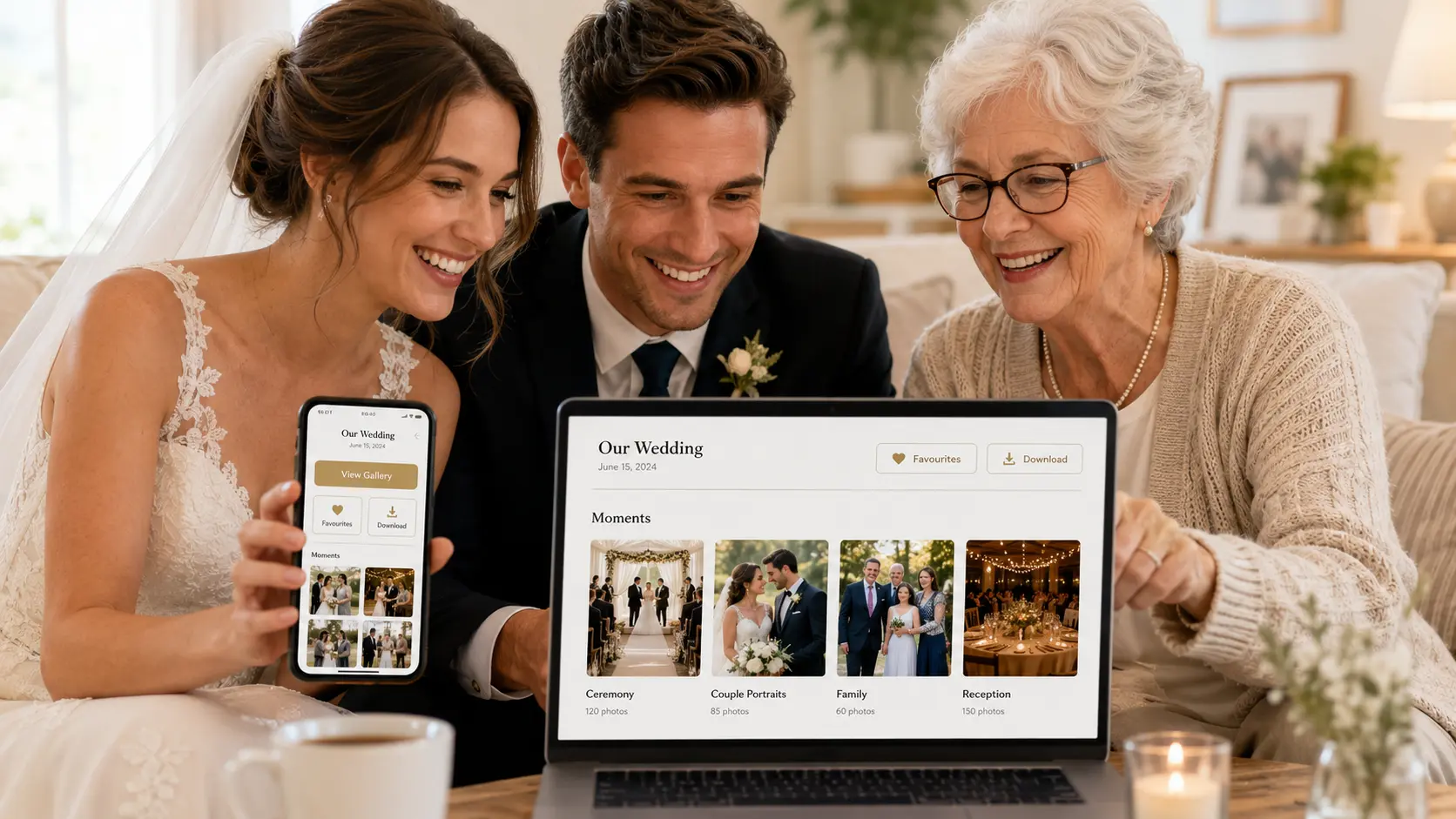
Photographers use online tools every day. Many clients do not.
A wedding couple may understand how to open a gallery, while their parents struggle with the password. One family member may download individual photos easily, while another cannot find the full-gallery download. A client may forward the link without including the access PIN.
When this happens, the photographer receives repeated messages:
Where should I click?
Is the password the same as the download PIN?
Can I download the full album on my phone?
Why is the ZIP file not opening?
An easy client gallery should not require the photographer to provide technical support after every delivery. The experience should be understandable from the first screen.
Read our article on What Clients Expect From a Professional Photo Delivery Experience
Make the First Screen Obvious
When a client opens the gallery, they should immediately recognise:
- Whose gallery it is
- Which event or session it contains
- Whether access is protected
- Where to enter the password or PIN
- What they can do after entering
Use a clear gallery title such as:
Riya & Arun — Wedding Photographs
Avoid internal folder names such as:
RA_WED_FINAL_V3
A strong cover image, client name and event title reassure the viewer that they opened the correct link.
GoPickle Client Galleries are designed around one branded gallery link with the event name, organised moments and photography-focused controls rather than a generic folder view.
Keep Password Instructions Simple
Password protection improves privacy only when clients understand how to use it.
When sending the gallery, keep the instructions together:
Open the gallery using the link below.
Gallery password: RIYA2026
Tap View Gallery after entering the password.
Do not send the link in one message and the password several messages later.
Also explain whether there is a separate download PIN.
For example:
The gallery password allows you to view the photographs. The download PIN is required only when saving the files.
Avoid using similar passwords for both purposes unless the system clearly labels them.
GoPickle supports private gallery access, password protection and photographer-controlled downloads.
Use Buttons Clients Already Understand
Button wording should describe the action.
Clear labels include:
- View Gallery
- View All Photos
- Download Photo
- Download Selected Photos
- Download Full Gallery
- Mark as Favourite
- Share Gallery
Avoid labels that depend on technical knowledge, such as:
- Export
- Retrieve Assets
- Generate Archive
- Access Media Package
The client should not need to guess what will happen after tapping.
This is especially important for older family members or clients using an online photography gallery for the first time.
Make Mobile Access the Default
Many clients will open the gallery first from WhatsApp on a phone.
The gallery should therefore work well on a small screen without requiring an application installation.
Clients should be able to:
- Open the shared link in a browser
- Enter the password easily
- Swipe through photographs
- Open images in full view
- Mark favourites
- Download individual photographs
- Return to the main gallery without getting lost
GoPickle states that its Client Galleries work across phones, tablets and desktops and support mobile-friendly viewing without turning the experience into a folder-navigation task.
A desktop-only gallery may look impressive in a demonstration but still frustrate the majority of clients who open it from their phones.
Explain Download Choices in Client Language
Clients may not understand terms such as original, web-optimised, high resolution or compressed download.
Explain what each option is for.
For example:
Print and Archive
Best for albums, frames, printing and permanent backup.
Social and Mobile
Best for WhatsApp, Instagram, email and phone storage.
A short note near the download button can prevent repeated questions:
Download the full-quality version for printing. Choose the mobile version for quick sharing.
If only one download size is available, say so clearly.
Professional Client Galleries can give photographers control over individual downloads, complete-gallery downloads or preview-only access.
Avoid Making ZIP Files the Only Option
Downloading one compressed folder may work well on a computer. It may be confusing on a phone.
Some clients do not know where the ZIP file was saved or how to extract it. Large downloads may also fail when the device has limited storage.
Give clients more than one route where possible:
- Download one photograph
- Download favourites
- Download a collection
- Download the complete gallery
The GoPickle comparison between Google Drive and professional galleries highlights that clients may struggle with folders, compressed downloads and device-dependent behaviour when generic file-sharing tools are used for final photo delivery.
Organise Photos Around the Event
Non-technical clients should not have to understand the photographer’s internal file structure.
Use sections such as:
- Getting Ready
- Ceremony
- Couple Portraits
- Family
- Reception
- Candid Moments
Avoid:
- Folder 1
- Selects
- Final Export
- Retouched 02
- Edited Final Latest
An organised visual story is easier to browse and share than a long list of filenames.
GoPickle Client Galleries support organising photographs by moments such as ceremonies, portraits, receptions and highlights.
Make Favourites Easy to Recognise
When clients need to choose album photographs, use a familiar symbol such as a heart.
Add one short instruction:
Tap the heart on every photograph you want included in your album.
Do not ask clients to send screenshots, filenames and separate WhatsApp lists unless there is no gallery-selection option.
A built-in favourites workflow lets the client make selections in the same place where the photographs are viewed. GoPickle includes favourites and shortlisting for album selections and approvals.
Tell Clients What Happens After Selection
Clients may complete the shortlist and still wonder whether they need to notify the photographer.
Add a final instruction:
Once your selection is complete, message us to confirm. Please avoid changing the shortlist after album design begins.
Where the gallery supports a submission or lock option, label it clearly:
Submit Final Selection
The photographer should also state:
- Maximum number of photographs
- Selection deadline
- What happens if the limit is exceeded
- Whether revisions are allowed
A professional delivery process includes clear viewing, selection, sharing and downloading, not merely sending a link.
Provide One Short Delivery Message
Do not send a long technical manual.
A useful gallery-delivery message can be:
Hi Riya, your wedding gallery is ready.
Open the gallery using the link below and enter the password provided. You can view the photographs on your phone or computer, tap the heart to shortlist album images and use the download button to save individual photos or the complete gallery.
Gallery link: {{Link}}
Password: {{Password}}
Selection deadline: {{Date}}Please save the full-quality photographs to a computer or backup drive.
This gives the client the link, access instructions, main actions and deadline in one place.
Test the Gallery Like a Client
Before sending the gallery, open it from a phone that is not already logged into the photographer’s account.
Check:
- Does the link open correctly?
- Is the password field obvious?
- Is the event name correct?
- Are the main sections easy to find?
- Are download buttons clearly labelled?
- Can an individual image be saved?
- Can favourites be selected?
- Are the gallery deadline and instructions visible?
A professional gallery should reduce questions, not create a new support task.
The GoPickle article on professional photo delivery emphasises that clients expect galleries to be easy to open, browse, share, select and download, even when they are not technically confident.
Where GoPickle Helps
GoPickle Client Galleries give photographers a branded delivery space with:
- Mobile-friendly viewing
- Organised moments
- Password-protected access
- Individual and full-gallery download controls
- Watermarked previews
- Favourites and shortlisting
These features are useful only when the photographer configures and explains them clearly.
The technology should stay in the background.
The client should see their photographs, understand the available actions and complete the next step without needing to learn how the platform works.
That is what makes a client gallery genuinely easy to use.