How Photographers Should Handle Client Album Privacy and Access
A professional online client gallery helps photographers protect the work, respect the client, and still keep photo delivery simple.

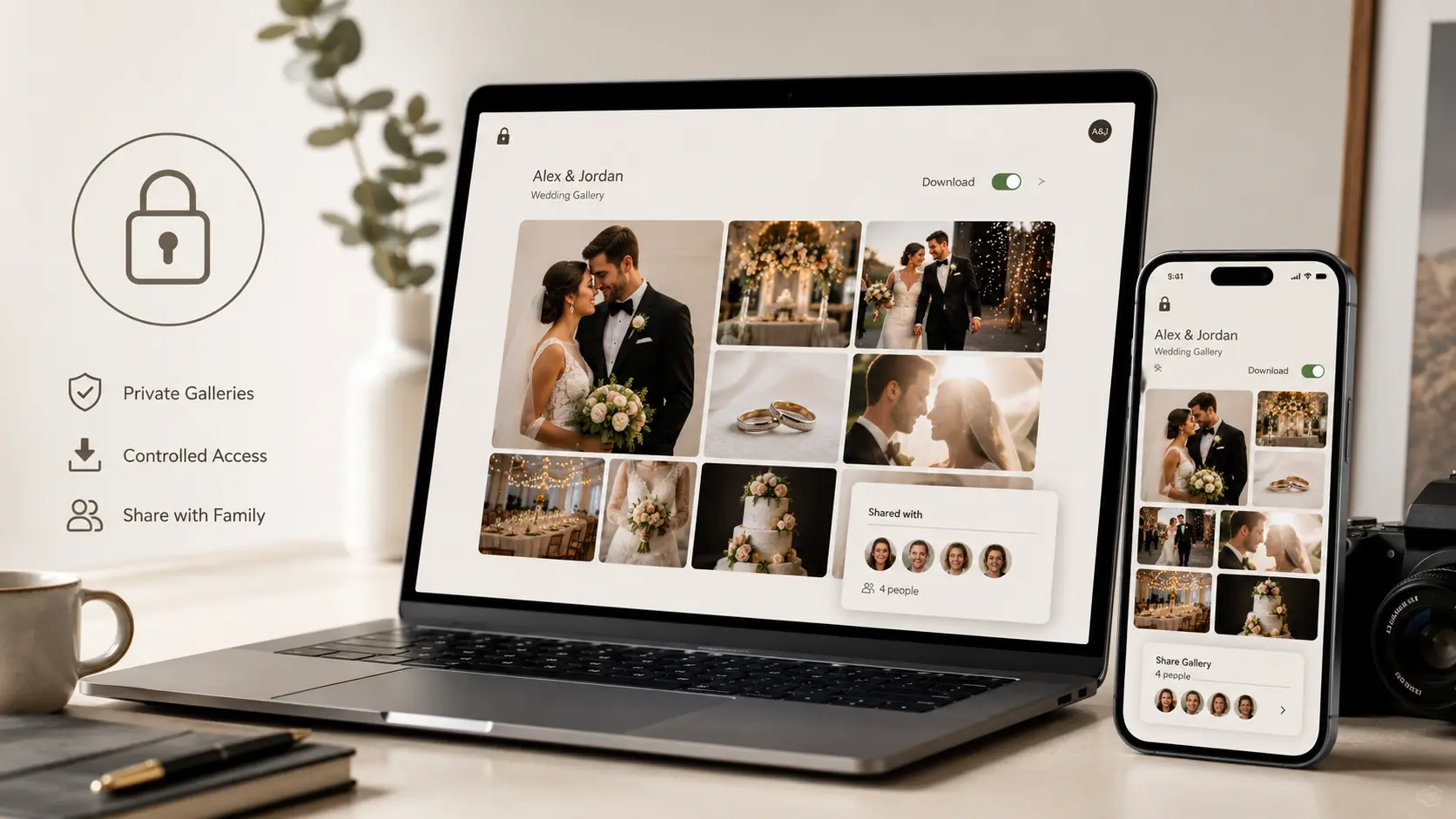
Sharing client albums looks simple from the outside.
Upload photos. Send link. Client downloads.
But for photographers, album delivery also means handling privacy, family access, downloads, guest sharing, and sensitive moments carefully. A wedding gallery, maternity shoot, private ceremony, corporate event, or newborn session should never be treated like a random public folder.
Client album privacy is not only about hiding photos. It is about giving the right people the right access, without making the experience difficult.
A professional online client gallery helps photographers protect the work, respect the client, and still keep photo delivery simple.
Why Album Privacy Matters More Than Photographers Think
Most privacy problems happen after delivery, not during the shoot.
A client forwards the link to too many people. A guest downloads images without permission. A private ritual photo gets shared publicly. A corporate event album reaches someone outside the company. A family asks the photographer to remove a few images after the gallery is already live.
These are small problems until they become uncomfortable.
Photographers should treat every client gallery like a controlled space, not just a file transfer.
Simple Access Rules Every Photographer Should Follow
| Situation | Best Access Method | Why It Helps |
|---|---|---|
| Wedding couple album | Private gallery link + password | Keeps the album easy to share but not openly accessible |
| Guest photos | Separate guest sharing link | Avoids exposing the full client album |
| Sensitive family event | Password + limited download access | Reduces unwanted saving and forwarding |
| Corporate shoot | Client-only access | Protects internal event or brand images |
| Preview gallery | Watermarked previews | Allows review without uncontrolled usage |
| Final delivery | Download control enabled | Gives access only after approval or payment |
1. Use Passwords, But Keep Them Practical
Passwords are useful, but photographers should not make the process irritating for clients.
A good setup is simple:
- One private gallery link
- One easy password or PIN
- Clear instruction in the delivery message
- Separate download password if needed
For example, a client may be allowed to view the gallery, but downloads can stay locked until the balance payment is cleared or final approval is complete.
This gives photographers more control without repeatedly explaining rules on WhatsApp.
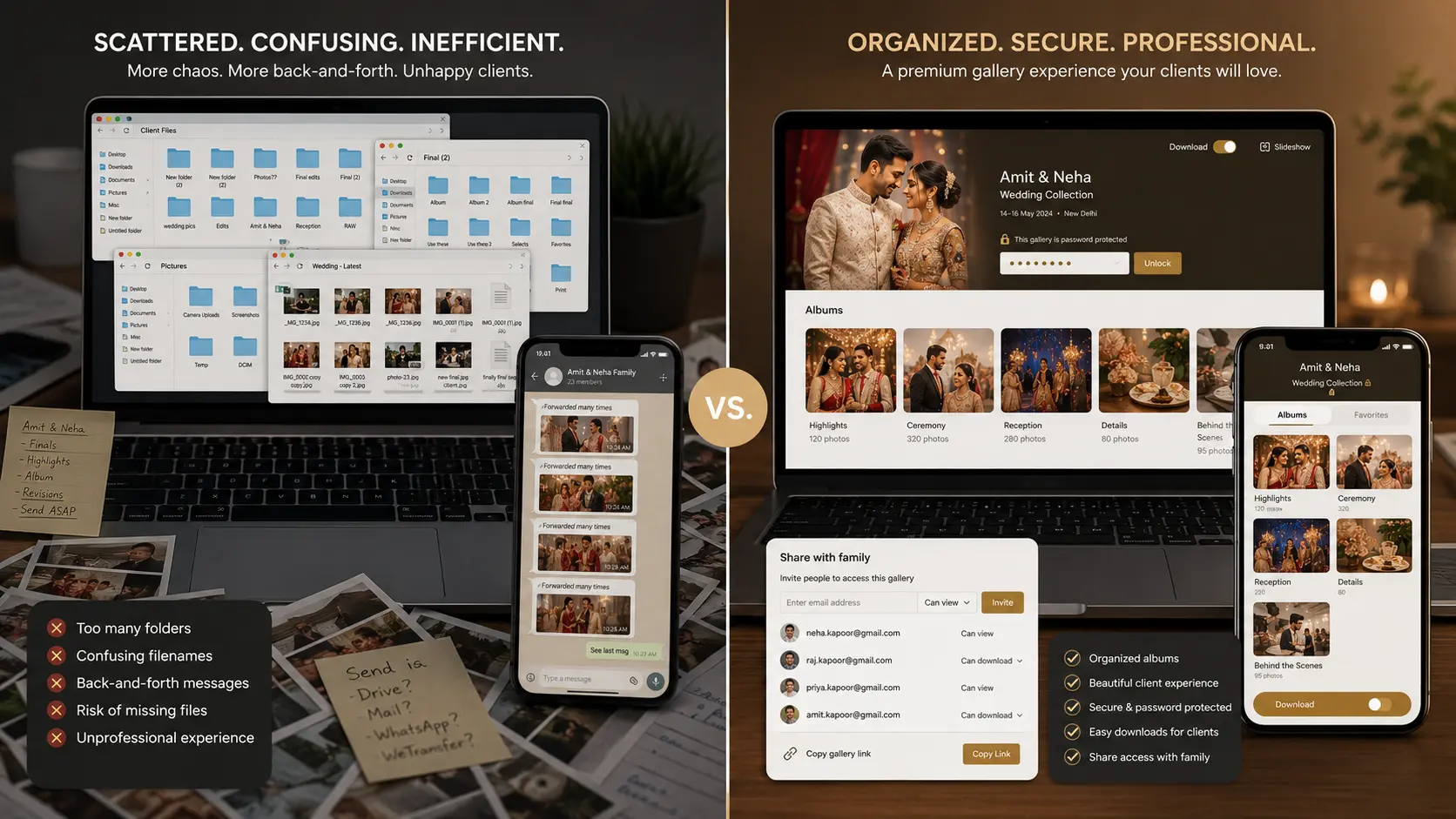
2. Do Not Use One Link for Everyone
A common mistake is sending the same full album link to the couple, parents, guests, vendors, and social media teams.
That creates risk.
Instead, photographers should separate access based on purpose.
| User Type | What They Should See |
| Main client | Full curated gallery |
| Family members | Selected moments or final gallery |
| Guests | Guest-facing gallery or limited collection |
| Vendors | Only approved images |
| Studio editors | Internal working files, not client gallery |
| Public audience | Portfolio-approved images only |
This is especially important for weddings and private events where some photos are emotional, religious, personal, or not meant for everyone.
3. Control Downloads Carefully
Not every gallery needs full download access from day one.
Photographers can use download controls depending on the stage of delivery.
Before final payment
Keep downloads off or allow only low-resolution previews.
During selection
Allow favorites or shortlisting, but avoid full-resolution downloads.
After approval
Enable final downloads for the client.
For guests
Allow only selected downloads, not the entire album.
This keeps the workflow clean and reduces disputes like “we already downloaded everything, why should we clear the balance?”
4. Use Watermarks for Preview Galleries
Watermarks are useful when the client needs to review images before final delivery.
They help in three ways:
| Benefit | Why It Matters |
| Protects unpaid work | Clients can review without using final files |
| Reduces unauthorized posting | Preview images are less likely to be shared as final work |
| Keeps delivery professional | The photographer still controls the final handoff |
Watermarks should not be too aggressive. The gallery should still look beautiful. The goal is protection, not punishment.
5. Handle Sensitive Events With Extra Care
Some albums need stronger privacy than others.
Examples include:
- Intimate weddings
- Religious ceremonies
- Maternity shoots
- Newborn photography
- High-profile clients
- Corporate events
- School or children’s events
- Family functions with private rituals
For these shoots, photographers should confirm privacy expectations before publishing the gallery.
Ask simple questions:
| Question | Why Ask It |
| Who can access the gallery? | Avoids accidental sharing |
| Can guests download photos? | Sets download boundaries |
| Can images be used in portfolio? | Protects client consent |
| Are any moments private? | Helps remove or restrict sensitive images |
| Should the link expire later? | Useful for private events |
This makes the photographer look more professional and avoids awkward conversations later.
6. Guest Sharing Should Be Separate From Client Delivery
Guest sharing and client delivery are not the same.
Client delivery is curated, controlled, and usually final. Guest sharing is wider and more casual.
For large events, photographers should avoid giving guests access to the full client album. Instead, create a separate guest experience where guests can view or find relevant photos without exposing everything.
This protects the client while still making guests happy.
Where GoPickle.ai Helps
GoPickle.ai’s Client Galleries are built for photographers who want album delivery to feel professional, not scattered.
Instead of sending compressed images on WhatsApp or messy folders through Drive, photographers can deliver branded online galleries with controlled access, mobile-friendly viewing, download options, watermark previews, favorites, and organized collections.
That means the client gets a clean experience, and the photographer stays in control.
For studios handling weddings, events, portraits, and commercial shoots, this becomes especially useful because every album can have its own delivery rules.
Conclusion
Client album privacy is not about making photo delivery complicated.
It is about being careful, professional, and clear.
The best photographers do not just deliver beautiful photos. They also protect the client experience after the shoot. With the right access links, passwords, download controls, guest sharing rules, and gallery structure, photographers can avoid confusion and deliver albums with confidence.
A private online gallery gives clients a better experience and gives photographers better control.
That is how modern album delivery should work.